
How to Set Up Two-Factor Authentication (2FA) for Webmail
Tweestapsverificatie (2FA) activeer je per mailbox in Roundcube Webmail via Instellingen > Xitens Two-Factor Authentication. Je scant een QR-code met een authenticator-app en bevestigt met een verificatiecode. Roundcube has no 2FA by default. Because we consider that an important gap, Xitens has developed its own software for it. This protects your mailbox with an extra layer of security.
What is two-factor authentication?
With two-factor authentication you need a second factor besides your password to log in: a code in an app on your phone that changes every 30 seconds. Even if someone finds out your password, they cannot get into your mailbox without that code.
What do you need?
An authenticator app on your phone, such as Google Authenticator or Microsoft Authenticator.
Enabling 2FA in seven steps
- Log in to Roundcube Webmail.
- Go to Settings.
- Open Xitens Two-Factor Authentication.
- Click Enable Two-Factor Authentication.
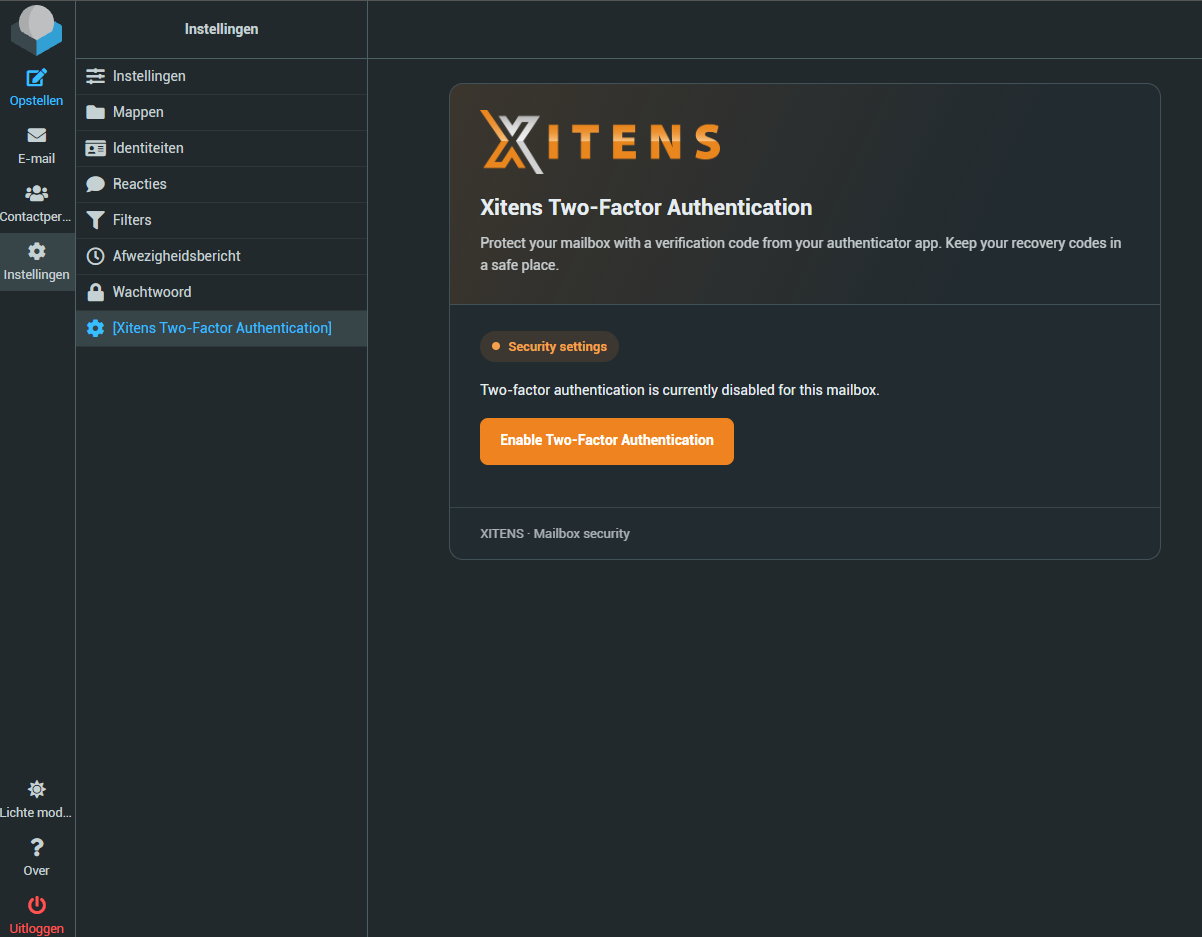
- Scan the QR code with your authenticator app.
- Enter the verification code from the app to confirm the activation.
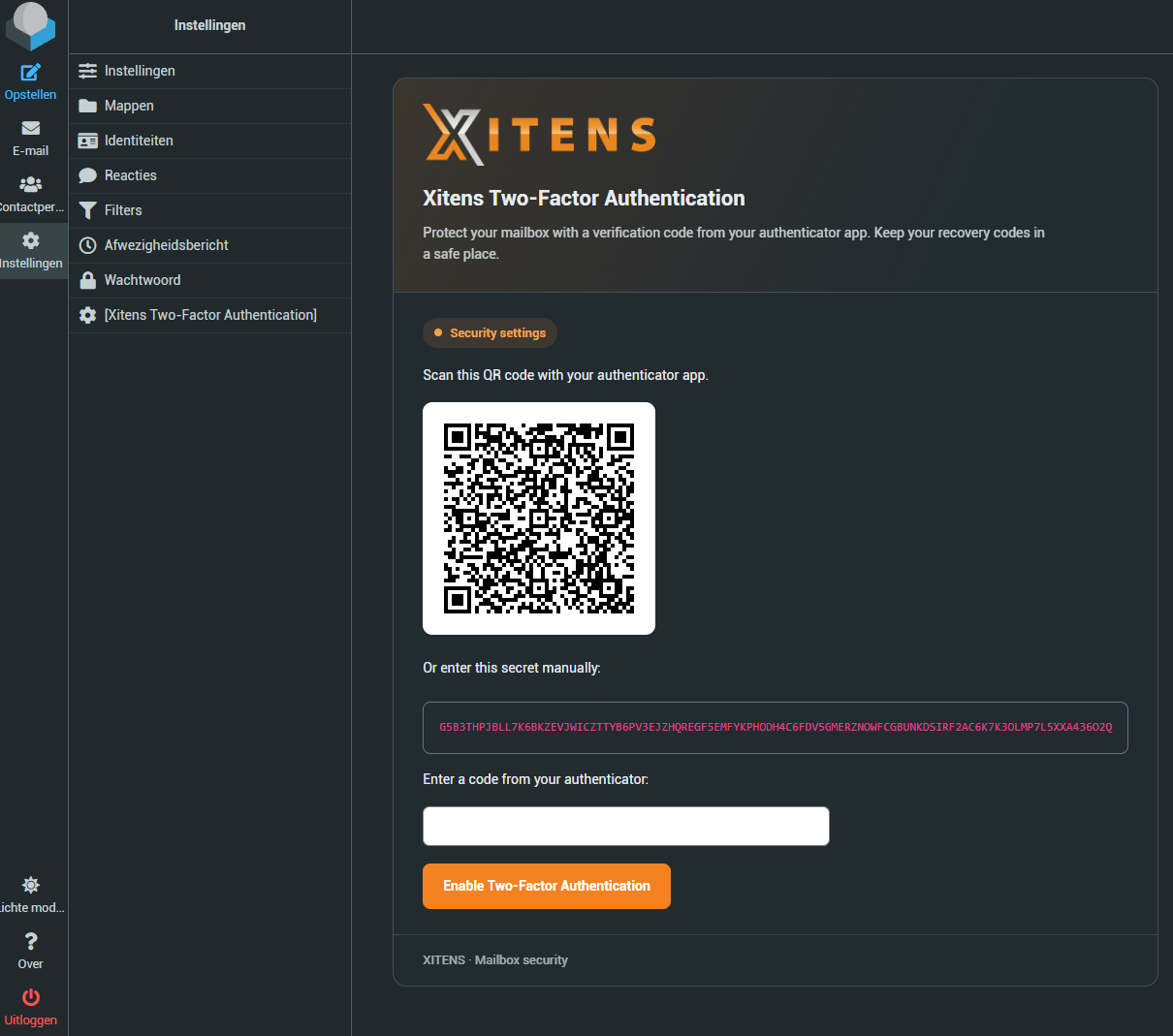
- You receive ten recovery codes. Store them in a safe place, for example in a password manager.
From now on, webmail asks for a verification code in addition to your password every time you log in to this mailbox.
Recovery codes: keep them safe
With a recovery code you can get into your mailbox if you no longer have access to your authenticator app, for example after losing your phone. Each code works only once. Never share them with others.
Lost your phone and no recovery codes?
Then contact our helpdesk. After verifying your details, we will help you regain access.
Does 2FA also work in my email program?
Two-factor authentication applies to logging in to webmail. Your email program on your phone or computer keeps working with your password. So always use a strong and unique password for your mailbox.
Related articles
Web hosting with email and DirectAdmin
Fast SSD web hosting with unlimited email, free SSL and DirectAdmin, in the data centre in Amsterdam.