How Do I Connect to My Windows VPS?
You can through RDP (Remote Desktop Protocol) connect a remote desktop to your Windows server.
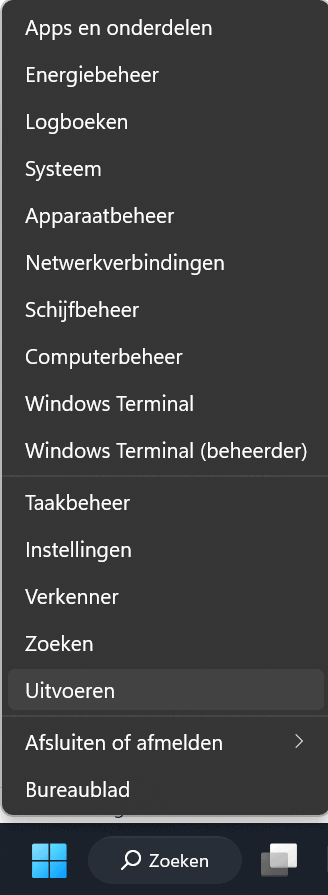
First we're going to open the Windows RDP program. To do this, first right-click on the Start button in the bottom left corner of the screen or press the key combination [Win] + [X].
The following menu will appear, click Run:
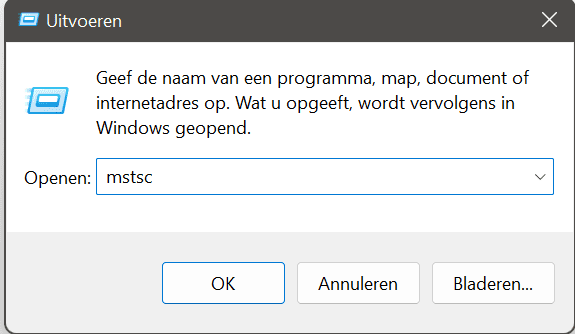
Then in the text box type mstsc and press Enter:
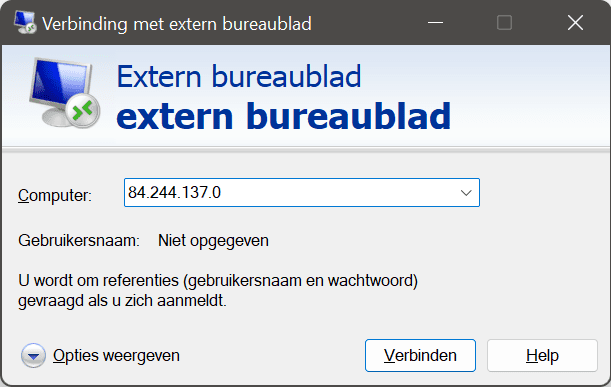
Then top up Computer Enter your IP address of your VPS and click Connect:
Then fill your Username and Password of your VPS and click OK:
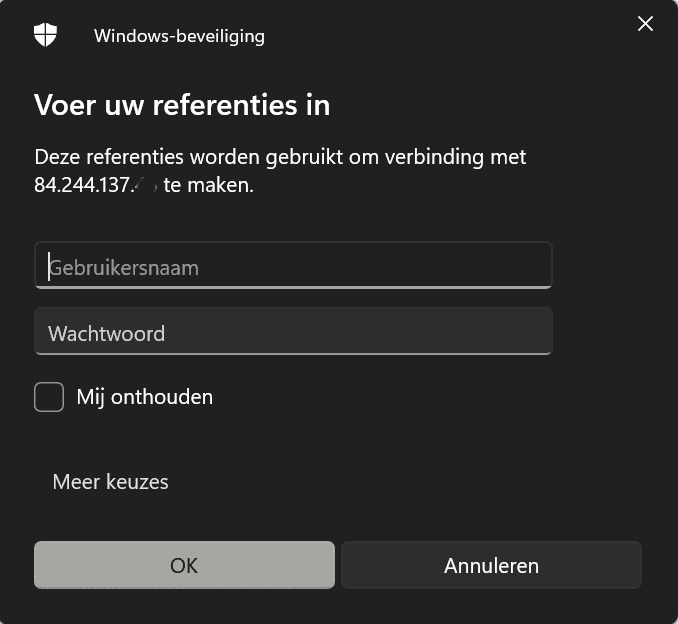
If you have entered all the information correctly, you are now connected to your VPS via remote desktop.
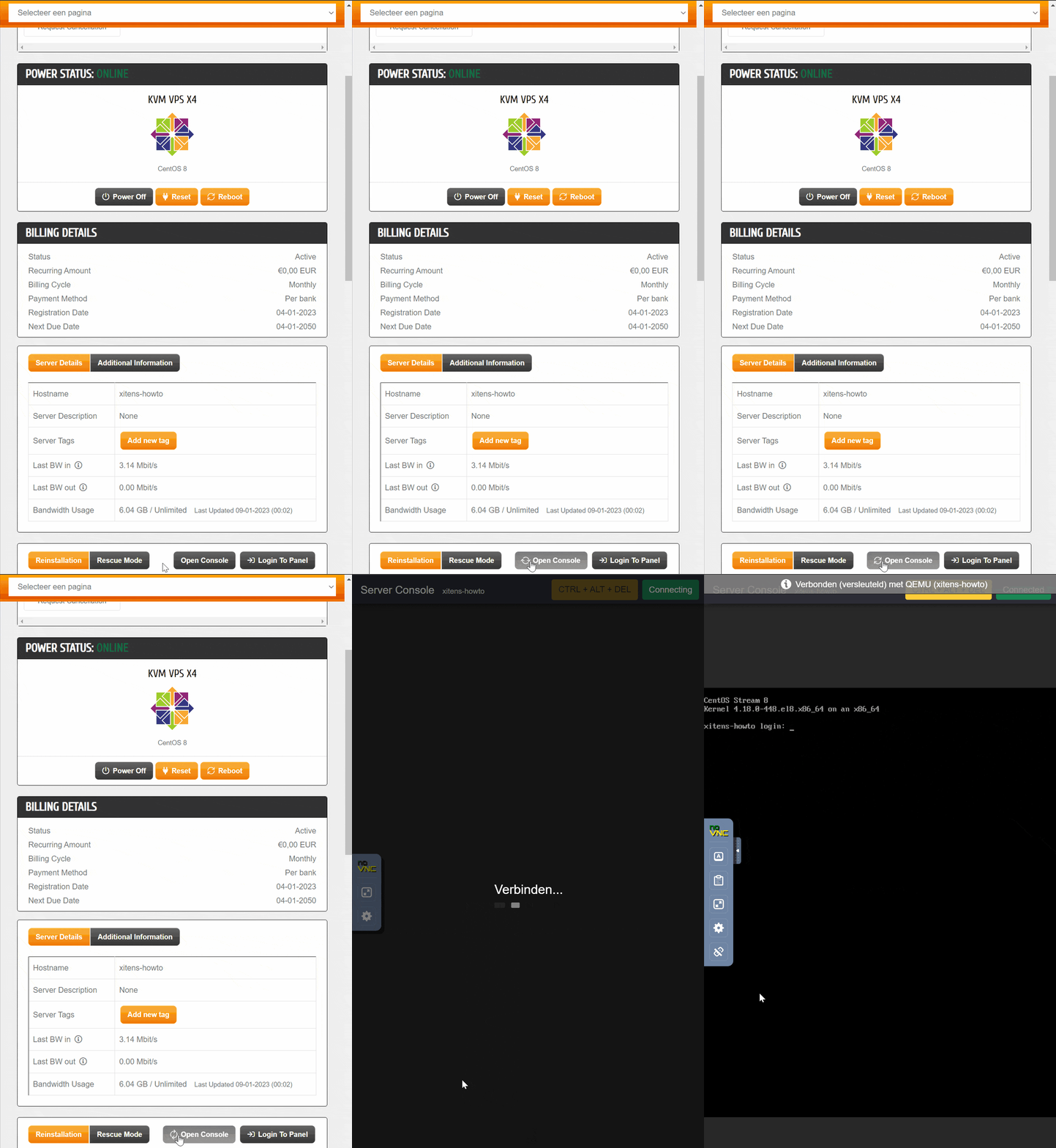
It is also possible to band your server via noVNC.
1. Log in to your customer panel.
2. Click Services
3. Click on you Dedicated Server of VPS product.
4. Then proceed to Open Console